App Wireframe: How to Wireframe an App Before You Build It
Kareem
CEO, Synaptix
|
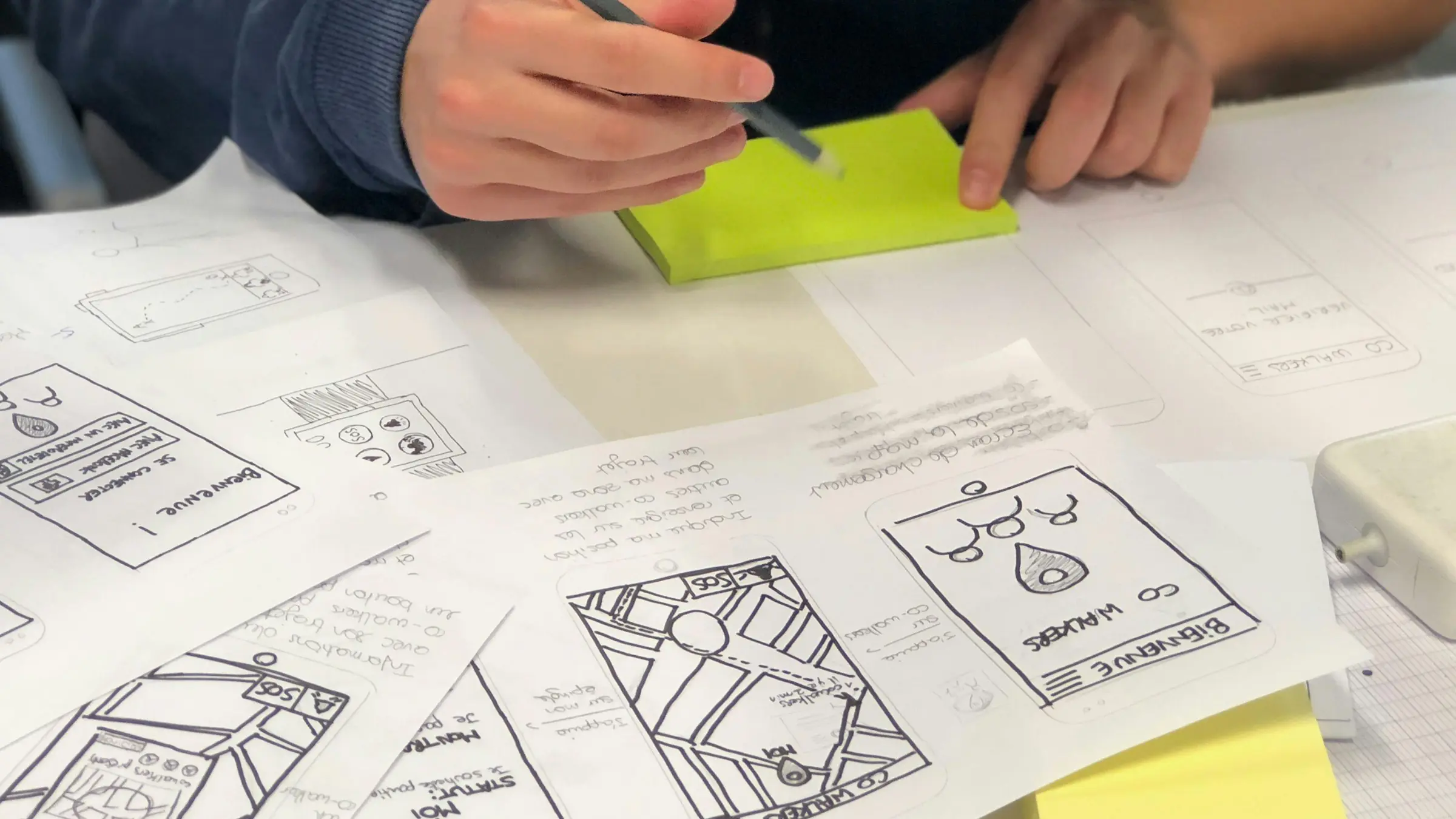
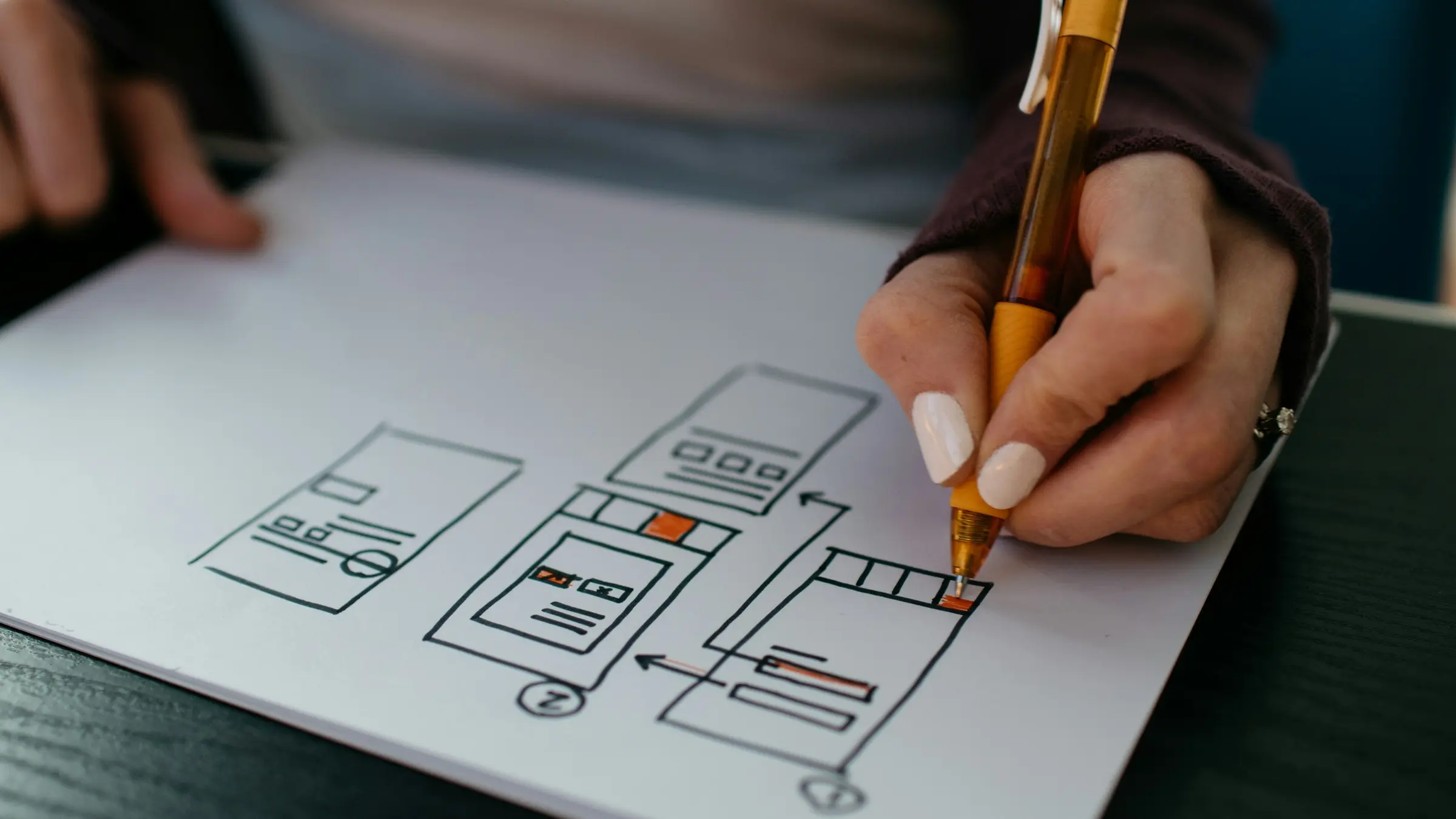
An app wireframe is a simple black-and-white layout of each screen, showing what's on it and where each button leads, without colors or final design. It's the cheapest point to catch missing screens and confusing flows: changing a box on a sketch costs minutes, while changing a built screen costs days.
Wireframe vs mockup vs prototype
Wireframe
Mockup
Prototype
Looks like
Gray boxes and labels
The final visual design
Clickable screens
Purpose
Structure and flow
Look and feel
Test how it feels to use
Effort
Hours
Days
Days to weeks
Who it's for
You and your developer
Stakeholders and designers
Test users and investors
Want your wireframes reviewed by a developer before you build? Book a free 30-minute call.
List your user types and the one main thing each needs to do.
Write each main task as a flow, for example sign up, set up profile, book a session, pay.
Sketch one box per screen in that flow, on paper first.
Add the key content to each screen: headings, inputs, buttons and lists.
Draw arrows for where every button goes, including errors and empty states.
Walk through it as a new user and cut any screen that isn't needed.
App wireframe tools
Paper and pen: the fastest way to start, and good enough for the first pass.
Figma: the industry standard for wireframes, design and clickable prototypes, with a free plan.
Balsamiq: deliberately sketchy wireframes that keep the focus on structure.
Whimsical: quick flows and wireframes for non-designers.
Mistakes that make wireframes useless
Only drawing the happy path, with no errors, loading or empty screens.
Jumping into colors and fonts before the flow works.
Wireframing every feature instead of the MVP.
Not showing where the money is made, such as paywalls or checkout.
Screens most app wireframes forget
Onboarding and permission requests, such as notifications and location.
Sign-in problems: forgot password, email not verified, account locked.
Empty states, like a new user with no bookings, messages or data yet.
Loading and error states, including no internet connection.
Settings, account deletion and logout (account deletion is required by the App Store when users can create accounts).
Payment failure and receipt screens.
The admin side: how your team manages users and content.
Mobile app design basics to keep in mind
Put the main action within thumb reach, near the bottom of the screen.
One primary action per screen.
Keep tap targets large: around 44 points square is Apple's guidance.
Follow each platform's conventions for navigation and back buttons, so users don't have to learn your app.
Show progress for anything that takes more than a second.
From wireframe to build
Once the flow is right, a designer turns the wireframes into visual mockups, often with a clickable prototype for testing. Then the screens, together with written requirements, go to the developers. If you test the clickable prototype with five or so real users first, you'll catch most of the confusing parts before they cost anything to fix.
How to test a wireframe with real users
Find five people who match your target user, not friends who'll be polite.
Give each a task, such as 'book a session for next Tuesday', without explaining the screens.
Watch where they hesitate, tap the wrong thing or ask questions. Don't help.
Ask what they expected to happen at each confusing point.
Fix the top three problems and test again with new people.
Frequently asked questions
Do I need a wireframe before building an app?
It isn't required, but it's the cheapest way to make sure you and your developer picture the same product.
How many screens should my wireframe have?
Only what the MVP needs. Most first versions have 10 to 25 screens, including settings and error states.
Can a developer build from a wireframe?
They can estimate from one. For the build, they also need written requirements and, ideally, a visual design.
Turn your wireframes into a fixed-price build plan in 7 business days. Start with a free call.