From Idea to App

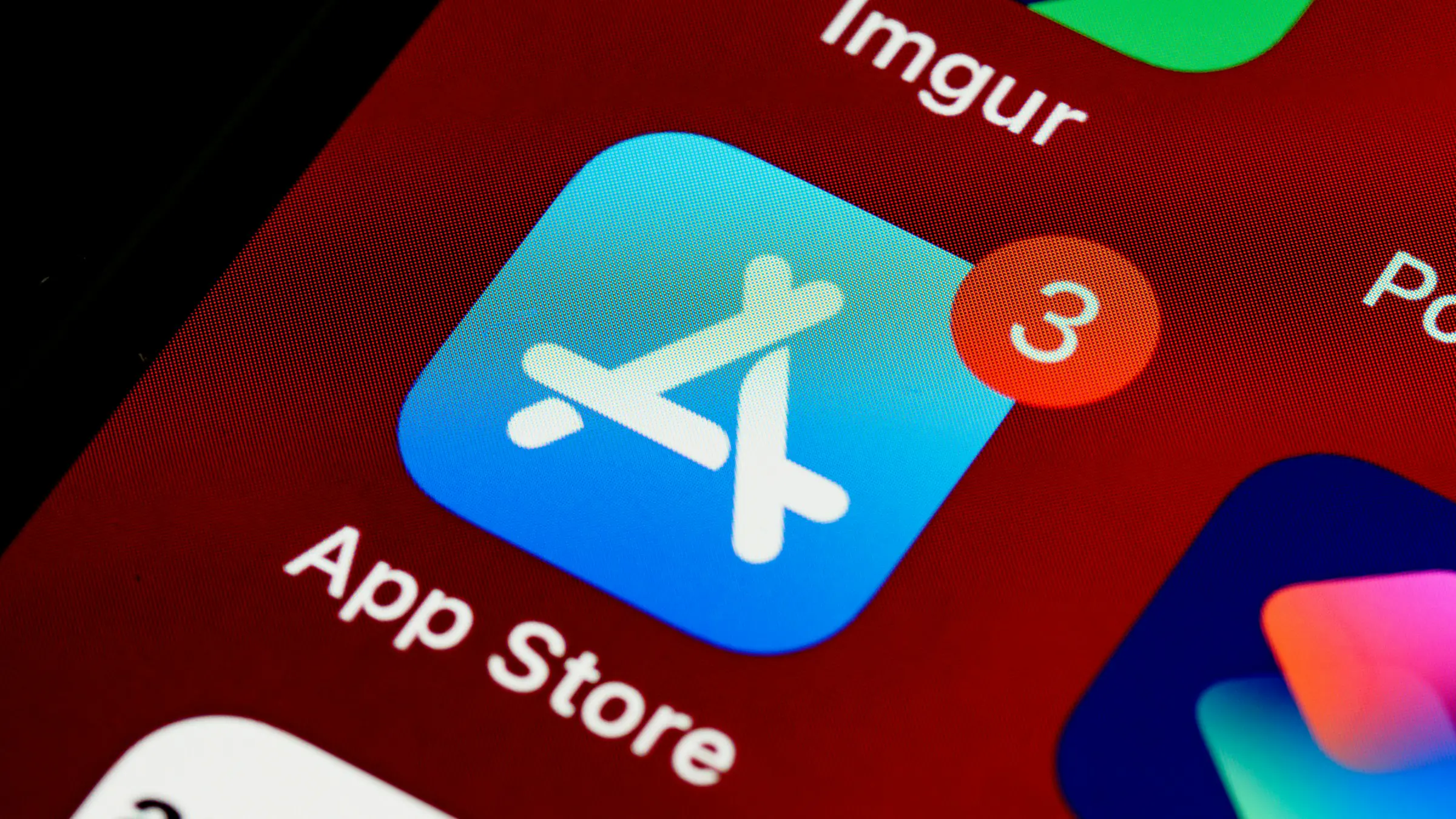
Knowing how to publish an app on the App Store matters even if a developer does the submission for you, because the accounts, listings and policies are yours. Apple and Google both review apps before they go live, and a rejection can delay a launch you've already announced. Here's the full checklist we follow for client launches, written so a non-technical founder knows what to prepare and what to expect.
Apple's Developer Program costs $99 per year. A Google Play developer account has a one-time $25 registration fee. Register them under your business, not your developer's personal account, so you always control your apps. Organization accounts with Apple require a D-U-N-S number for your company, which can take some time to obtain, so start early. Then add your developer as a team member with the access they need.
Before submitting, test the exact build that will ship. Apple's TestFlight and Google Play's internal and closed testing tracks let real users install it. Note that Google Play requires new personal developer accounts to run a closed test with a minimum number of testers for a set period before production access, so check the current requirement and plan for it in your timeline.
Your developer uploads the build, attaches it to the listing and submits. Give reviewers a demo account if your app requires login, and add notes explaining anything unusual. Review times vary; many apps are reviewed within a day or two, but plan buffer time for a possible rejection and resubmission.
| Cost | Apple App Store | Google Play |
|---|---|---|
| Developer account | $99 per year | $25 one-time |
| Commission on digital goods and subscriptions | Generally 15% to 30% depending on program and revenue | Generally 15% to 30% depending on program and revenue |
| Physical goods and real-world services | No store commission (you use your own payment provider) | No store commission (you use your own payment provider) |
The physical vs digital rule shapes your business model. A tour booking or a sports league fee is a real-world service, so it can go through Stripe or a local processor. A premium content subscription inside the app usually has to use the store's billing. Our app monetization guide covers how that affects pricing.
You can release immediately or schedule a launch date. From there, every update goes through review again, and each new iOS and Android version can require updates to keep the app working. That's why every Synaptix build includes 30 days of post-launch fixes, with optional monthly support after that.
| Apple App Store | Google Play | |
|---|---|---|
| Account fee | $99 per year | $25 one-time |
| Testing before release | TestFlight | Internal, closed and open testing tracks |
| Review | Every submission is reviewed | Every submission is reviewed |
| Privacy disclosure | App privacy details (privacy labels) | Data safety section |
| Organization accounts | Require a D-U-N-S number | Require organization verification |
Your developer should handle the technical side: building, signing and uploading the release, and responding to technical review feedback. You should own the accounts, approve the listing copy and answer business questions from reviewers, such as how payments work. That split keeps you in control of the app while leaving the technical steps to the people who know them.
Apple's Developer Program is $99 per year. Google Play is a one-time $25. Development, design and ongoing maintenance are separate costs.
Often a day or two, but it varies. Leave buffer time before any announced launch date in case of a rejection.
You can, but you shouldn't. Publish under your own company's account so you keep control of the app, the reviews and the revenue.
Want a team that handles builds, submissions and launch fixes for you? Book a free 30-minute fit call.
Book a free fit call

Book a free 30-minute call to talk through your project. No cost, no sales pitch, just an honest look at how Synaptix can build it.